
Due to the extremely limited and highly competitive GRE test center seats, some students still choose the at-home test as an alternative!
However, unlike in-person tests, the at-home test requires you to prepare everything on your own. Today, we have summarized everything you need to know about the GRE at-home test to help you tackle it with ease and avoid surprises!
Add a CheersYou(清柚教育) advisor for 1-on-1 GRE course/preparation/registration/score sending consultation!

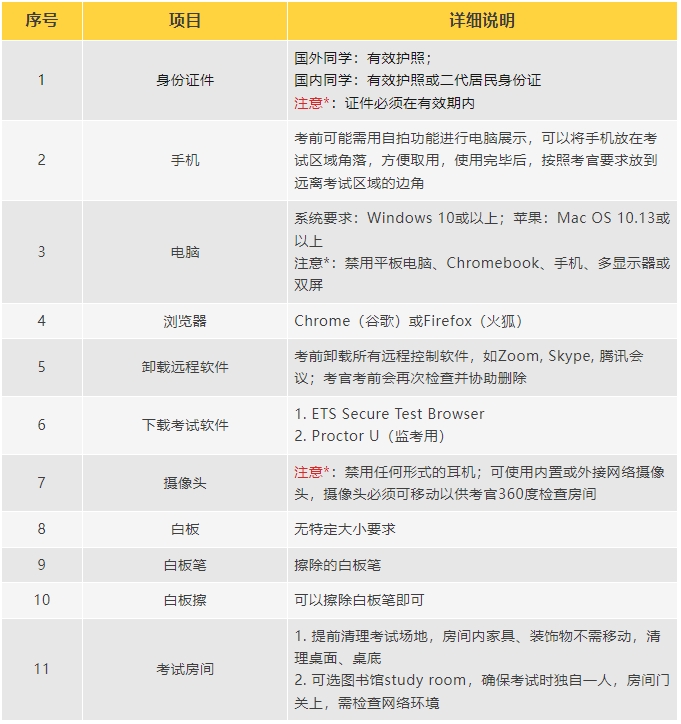
Pre-Test Preparation Checklist
On Test Day
1. Prepare Your Items
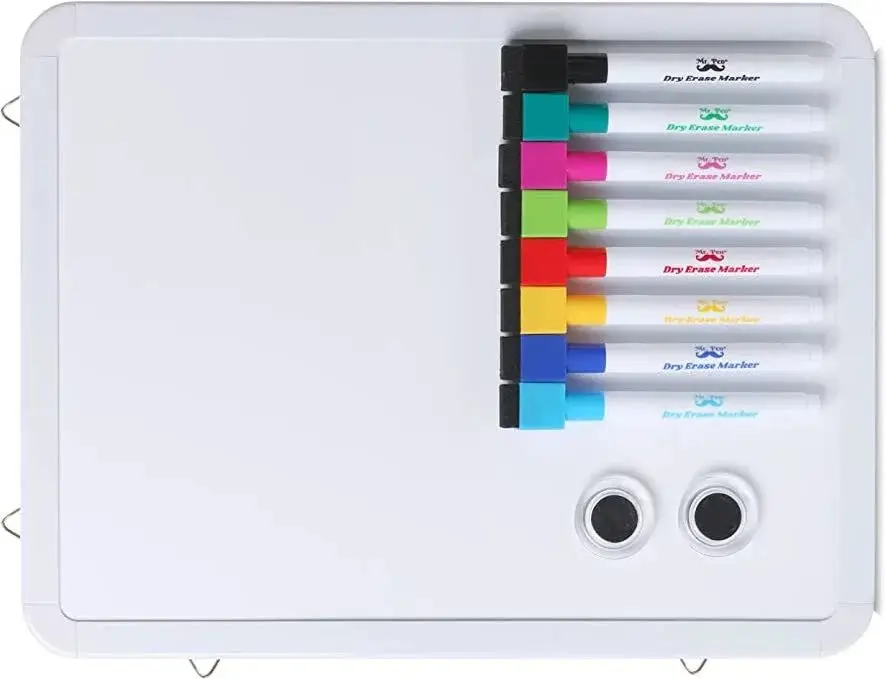
Place your pre-prepared ID, whiteboard, dry-erase markers, and eraser on the desk before the test.
2. Clear Your Desk
Remove all other unrelated items from the desk except those mentioned above.
3. Log in on Time
After clicking "Start Test", the system will take a photo of you; this photo will be sent to score recipients along with your score report. The system will then ask you to take a photo of your identification document. For Chinese citizens, simply take a photo of the passport personal details page. Make sure to log in on time; being more than 15 minutes late will result in cancellation of your test.

4. Download and Install the ProctorU Monitoring Program
After passing identity verification, the system will prompt you to download and install the ProctorU monitoring program. Since the download server is in the U.S., this step could take a while. Those who have downloaded it in advance can simply open ProctorU directly.
5. Equipment Check
After logging in, follow the steps to check your equipment through the pre-downloaded ProctorU. Once the countdown ends, the program will automatically establish a connection between the proctor and you.
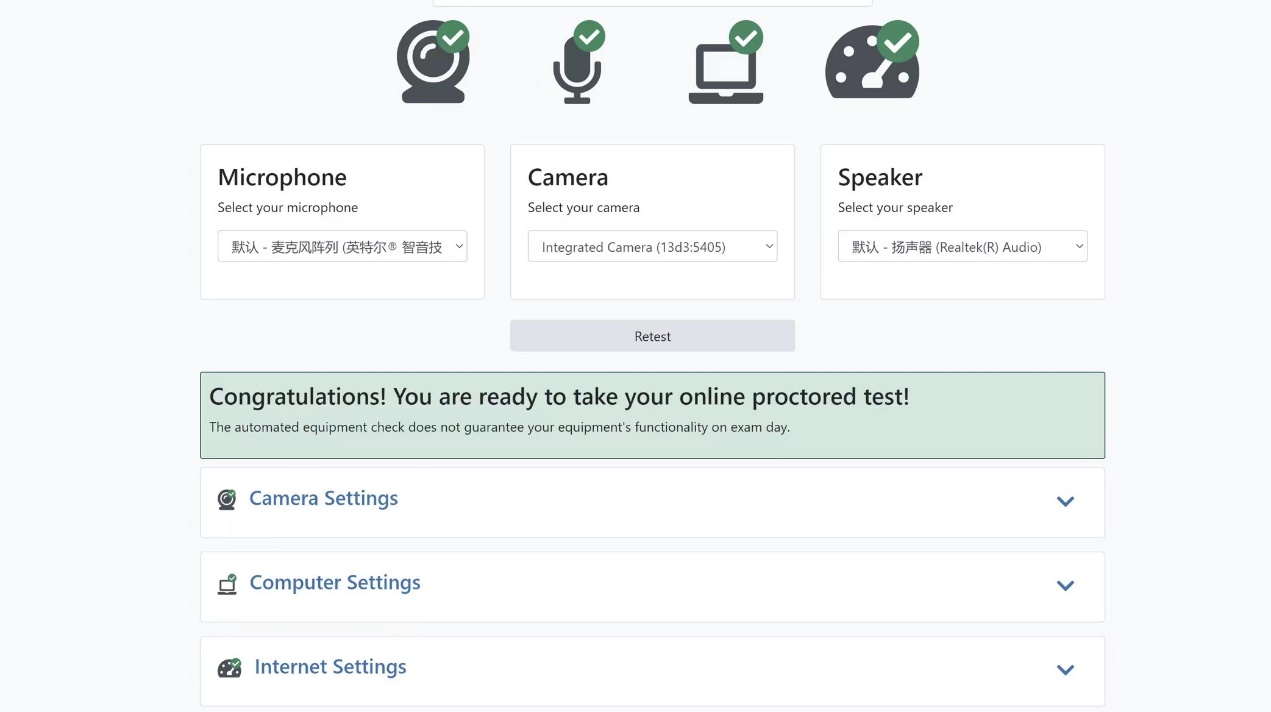
ProctorU detection interface
6. Follow the Proctor's Instructions to Check the Test Environment and Computer
Once connected, the proctor will communicate with you via voice call without showing their face. If you have difficulty with listening or speaking, you can request to communicate via text chat.
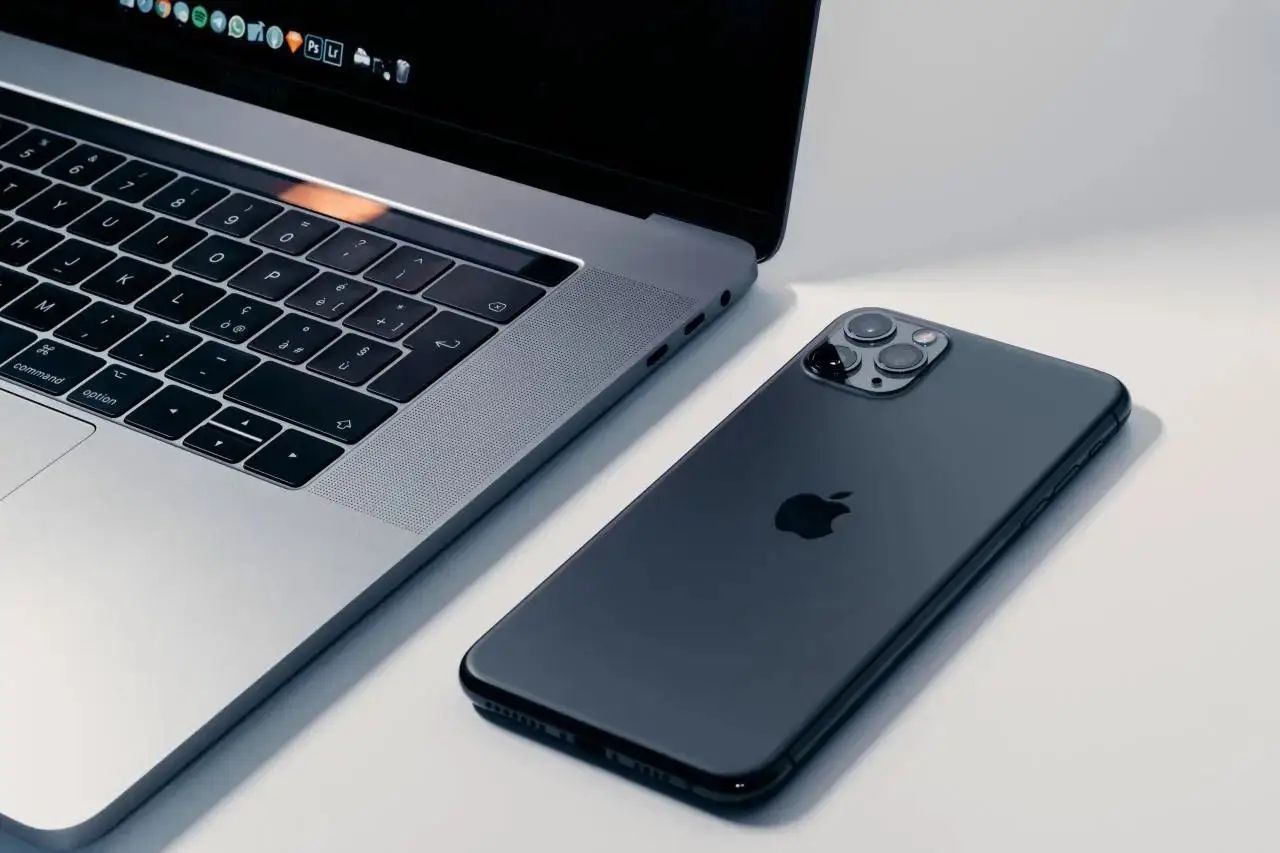
The proctor will first ask you to use your phone's selfie camera to show your computer, desk, under the desk, the whiteboard, markers, eraser, etc. Students wearing glasses may also be asked to show their glasses. After showing everything, place your phone away from the test area as instructed. Then, the proctor will ask you to hold your laptop and do a 360-degree room scan.
After the environment check, the proctor will request remote control of your keyboard and mouse through the monitoring program. Once you allow it, the proctor will check your computer to ensure all irrelevant programs are closed.
7. Start the Test
After all pre-test checks, the proctor will enter the ETS Test Browser and input the key to unlock the test. The interface you will see is exactly the same as in-person test centers (and the official GRE practice test interface). Just take the test as usual.
Note*: The revised GRE test has no break time during the exam.
8. After the Test
After finishing the exam and before seeing your scores, you will be asked to choose whether to keep your scores and select up to four free score recipients. If you choose to keep, you'll see your Quant and Verbal scores. If you choose not to keep, you won't see your scores.
After all the above steps, ETS Test Browser will exit automatically.
The proctor will ask you to erase all notes on the whiteboard after checking. That marks the end of the exam. Most students will then be asked to fill out a ProctorU satisfaction survey.
FAQs
1. Network Issues
Since the test content is stored on ETS servers in the U.S., students in China may experience network-related issues, such as longer loading times for questions. However, loading time is not counted toward your exam time, so you don't need to worry. Test-takers in China should not install VPNs just for the network environment, as it may cause issues like inability to download exam plugins.
If the network is so poor that question loading times out, the test system will automatically terminate the exam. But don't worry too much, because the time needed to restart the test won't count toward your exam time, and your previous answers will be saved; you'll resume exactly where you left off.
2. Avoid Suspicious Movements
The entire test session is recorded and monitored. The proctor will watch your every move through the webcam. Any unnecessary movements, such as looking around, may raise suspicion.
Additionally, ProctorU has AI proctoring that detects any unusual behavior and alerts the proctor. Serious cases may even lead to your scores being placed on hold. However, don't be overly anxious; just focus on the test.
3. How to Appeal if Your Scores Are Canceled
Recently, some students had their first test scores canceled. After investigation, it wasn't the students' fault. One possible reason is that the proctor didn't ask them to erase the whiteboard before leaving. However, they successfully appealed and had their scores reinstated via email. Here are some methods to share.
Method 1: Send an email to ETS explaining the reason. Email address: gre-info@ets.org
Method 2: Call ETS, explain the reason, and ask a customer service representative to help check the latest status.
Phone: 001 (609) 406-5430
Calling is not highly recommended due to low communication efficiency. Consider calling only if Method 1 doesn't work. Students in China will need to purchase international roaming.
Additionally, there are cases where students get disconnected but reconnect and continue the test; not all such cases lead to score cancellation, so you don't need to worry too much. If it's due to force majeure, be patient and wait for the score status to update before taking action accordingly!
We hope this guide helps you prepare thoroughly for the test, face it with ease, achieve a high score, and get your dream school offer soon!